Common OHIP Claim Rejection Codes and How to Fix Them
Understanding why OHIP rejects your claims is the first step to getting paid. Here are the most common rejection codes and exactly how to resolve each one.

SnapBill Team
OHIP Billing Experts
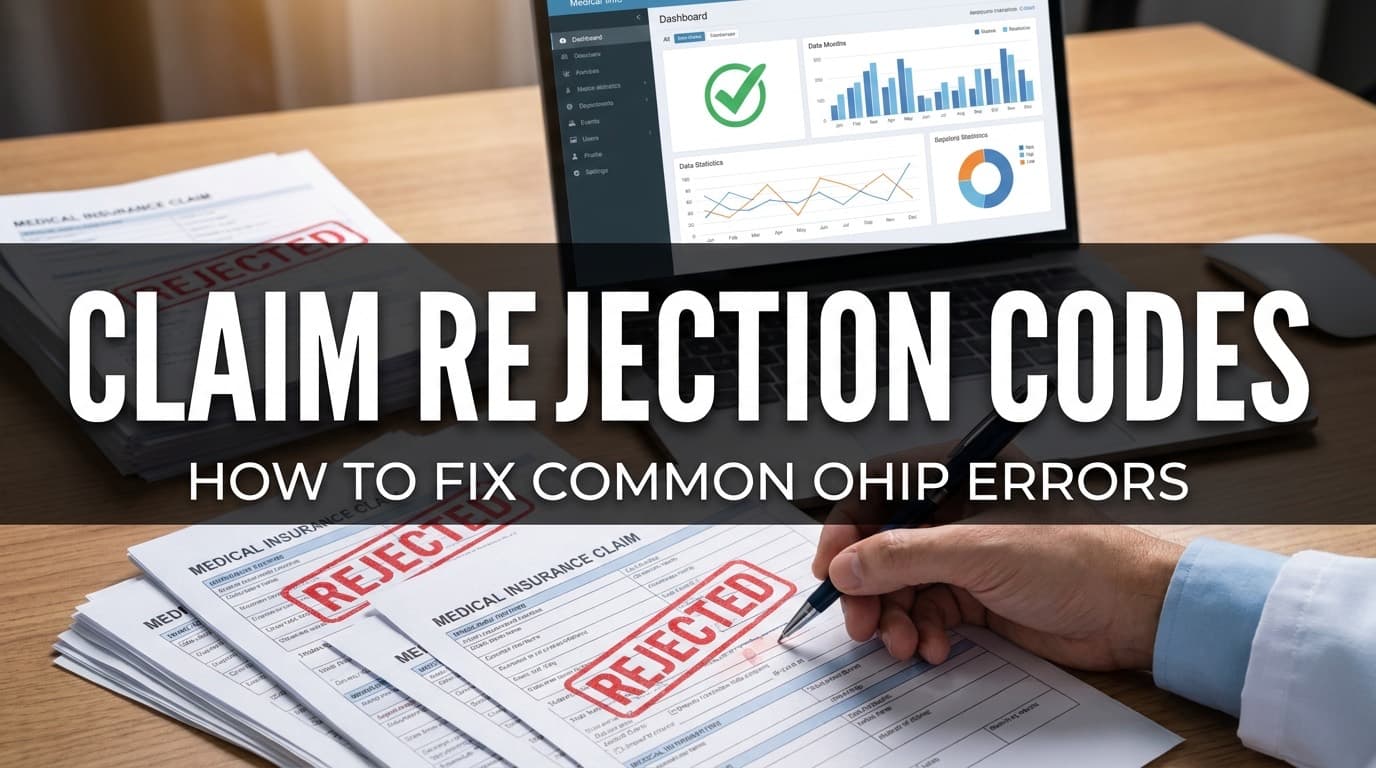
Common OHIP Claim Rejection Codes and How to Fix Them
Every Ontario physician has opened a Remittance Advice to find rejected claims. It's frustrating — you provided the service, but OHIP didn't pay. The good news: most rejections follow predictable patterns and are entirely preventable.
Here's a breakdown of the rejection codes you'll encounter most often and exactly what to do about each one.
How Rejections Work
When OHIP processes your claims, each one is checked against a set of validation rules. Claims that fail are returned in your Remittance Advice (RA) with an explanatory code. You then have 6 months from the date of service to correct and resubmit.
The three categories of claim outcomes:
- Paid: Claim accepted and payment processed
- Rejected: Claim failed validation — must be corrected and resubmitted
- Reduced: Claim partially paid — usually due to fee schedule differences or duplicate services
The Most Common Rejection Codes
EH — Invalid Health Card Number
What it means: The health number you submitted doesn't match OHIP's records, or the patient's health card has expired.
How to fix it:
- Re-validate the patient's health card using real-time HCV (Health Card Validation)
- Check for typos — transposed digits are the #1 cause
- If the card is expired, ask the patient to renew at ServiceOntario
- Resubmit with the corrected health number
Prevention: Always validate health cards at the start of every visit. SnapBill's real-time HCV catches invalid cards before you even create the claim.
AD — Age/Sex Mismatch
What it means: The fee code you billed has age or sex restrictions that don't match the patient's demographics in OHIP's database.
How to fix it:
- Verify the patient's date of birth and sex on their health card
- Check the fee code's restrictions — some codes are limited to specific age ranges or sexes
- If the demographics are correct, use the appropriate alternative code
Example: Billing G365 (cervical screening) for a male patient, or billing K130 (adolescent health visit) for a patient over 18.
DV — Duplicate Service
What it means: OHIP already has a paid claim for the same service, same patient, same date from either you or another physician.
How to fix it:
- Check if you accidentally submitted the same claim twice
- If another physician billed the same service, determine who actually provided it
- If the duplicate is legitimate (e.g., two separate visits on the same day), add appropriate suffixes or modifiers
Prevention: SnapBill's duplicate detection flags potential duplicates before submission, so you never waste time on preventable DV rejections.
FC — Fee Code Invalid
What it means: The fee code doesn't exist in the current Schedule of Benefits, or it's been delisted.
How to fix it:
- Check the Schedule of Benefits for the current valid code
- Fee codes change with SOB updates — make sure you're using the 2026 codes
- Verify the code prefix matches your specialty
Common scenario: Using an old code after the April 2026 SOB update introduced new codes and retired others.
DC — Diagnostic Code Invalid or Missing
What it means: The diagnostic code you submitted is either invalid, missing, or doesn't pair correctly with the fee code.
How to fix it:
- Verify the diagnostic code exists in OHIP's diagnostic code list
- Ensure proper pairing — some fee codes require specific diagnostic codes
- OHIP diagnostic codes are 3 digits (e.g., 780, 401) — don't confuse them with ICD-10 codes
Important: OHIP uses its own diagnostic code system, not ICD-9 or ICD-10. The codes overlap in many cases but they are distinct.
SE — Service Not Eligible
What it means: The service isn't covered under OHIP for this patient or circumstance. Common with out-of-province patients or uninsured services.
How to fix it:
- Verify the patient's OHIP eligibility — are they a valid Ontario resident?
- Check if the service is listed as an insured service in the SOB
- For out-of-province patients, bill through reciprocal billing or directly to the patient
MR — Maximum Reached
What it means: You've exceeded the maximum number of times this fee code can be billed for this patient in the specified time period.
How to fix it:
- Check the code's usage limits — some have daily, monthly, or annual caps
- Review your billing history for this patient to find the conflict
- Consider whether an alternative code applies for the additional service
Example: Some consultation codes are limited to once per patient per 12-month period. Billing A003 twice for the same patient within a short window may trigger MR.
PM — Payment Already Made
What it means: Similar to DV but specific — OHIP has already paid for this exact service.
How to fix it:
- Check your previous Remittance Advice for the original payment
- If you're resubmitting a previously rejected claim that was subsequently paid, remove the duplicate
- Cross-reference your records with your RA
Batch Rejections vs Individual Rejections
Batch rejections affect your entire submission file and prevent all claims in the batch from being processed:
- Header errors: Wrong group number, provider number, or file format
- Sequence errors: Claim records out of order or missing required fields
These are rare with modern billing software but can happen if you're submitting manually or through an outdated system.
Individual rejections affect single claims within an otherwise successful batch. These are the ones listed above.
How to Reduce Rejections by 80%
Most practices can dramatically reduce rejections by addressing three areas:
1. Validate health cards in real time
The single biggest source of rejections is invalid health cards. Real-time validation before claim creation eliminates these entirely.
2. Use up-to-date fee codes
After every SOB update, review your most-used codes for changes. The April 2026 update brought significant fee increases and some code restructuring.
3. Automate duplicate detection
Duplicate claims waste time twice — once to submit, once to fix. Automated detection catches them before they reach OHIP.
Tracking Your Rejection Rate
A healthy practice should aim for a rejection rate under 5%. If you're above that, there's likely a systemic issue — wrong health card processes, outdated codes, or data entry errors.
Track your rejection rate monthly:
Rejection Rate = (Rejected Claims ÷ Total Claims Submitted) × 100
SnapBill's analytics dashboard shows your rejection rate, top rejection reasons, and trends over time — so you can spot problems before they cost you money.
Resubmission Deadlines
Don't let rejected claims expire. OHIP allows resubmission within 6 months of the original date of service for most claims. After that, recovery becomes much more difficult and may require special request.
Set a process: review your RA within 48 hours of receipt, correct rejections immediately, and resubmit in the same billing cycle.
Tired of preventable rejections? Start with SnapBill — real-time validation, duplicate detection, and automated error checking before every submission. 90 days free.
Ready to simplify your OHIP billing?
Join Ontario physicians who bill smarter with SnapBill. No setup fees, no monthly minimums.
Get Started Free